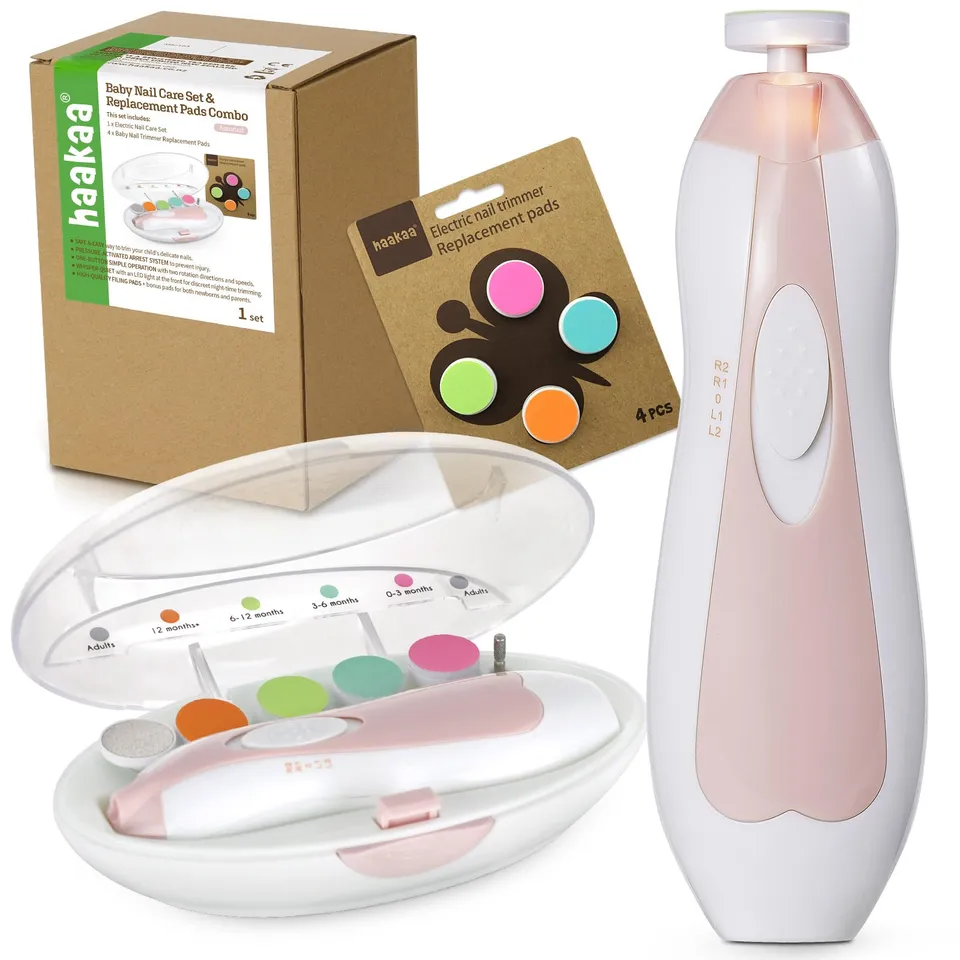
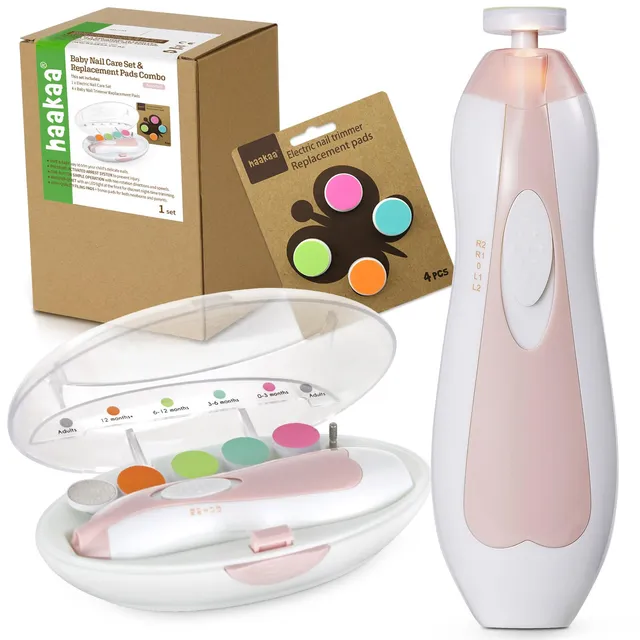
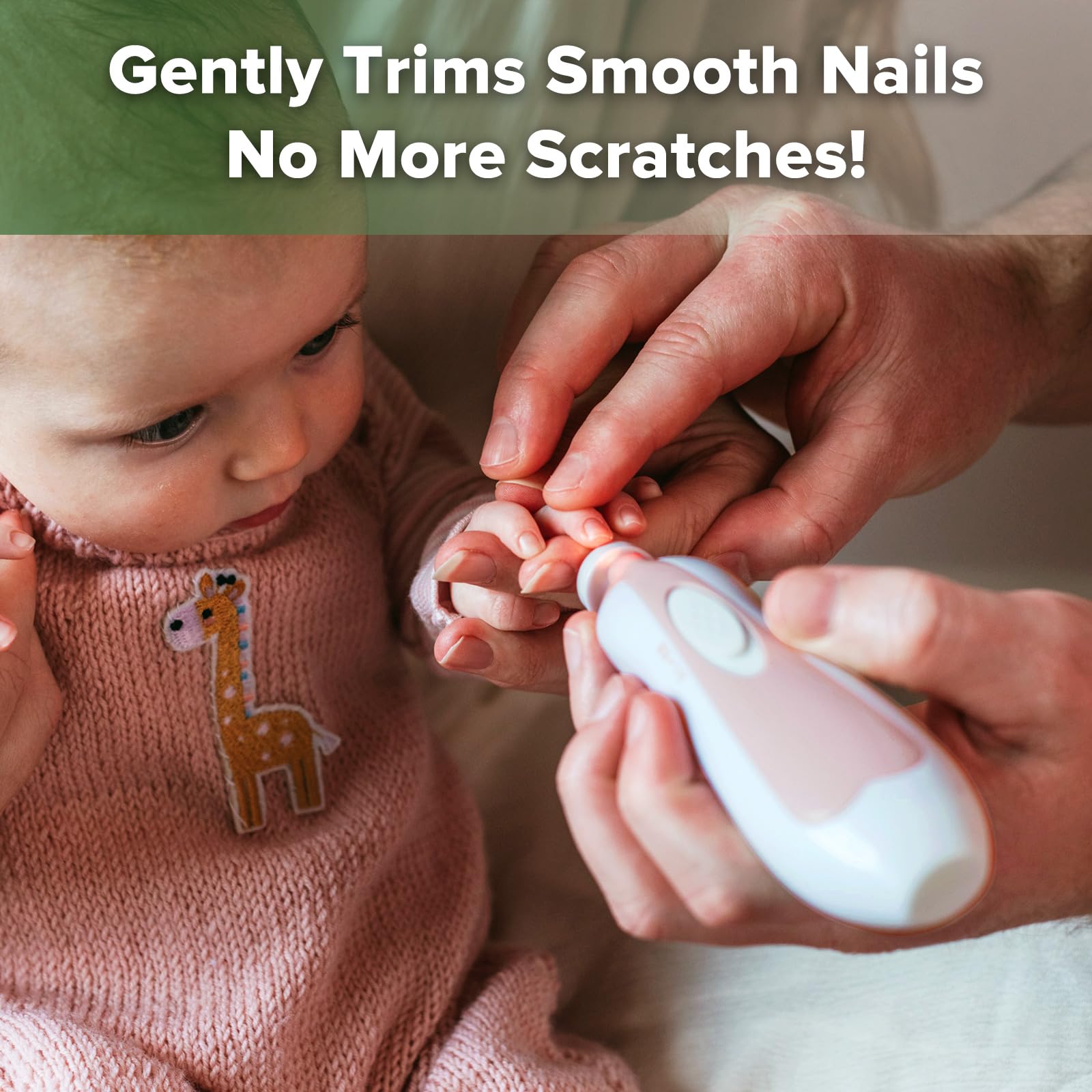
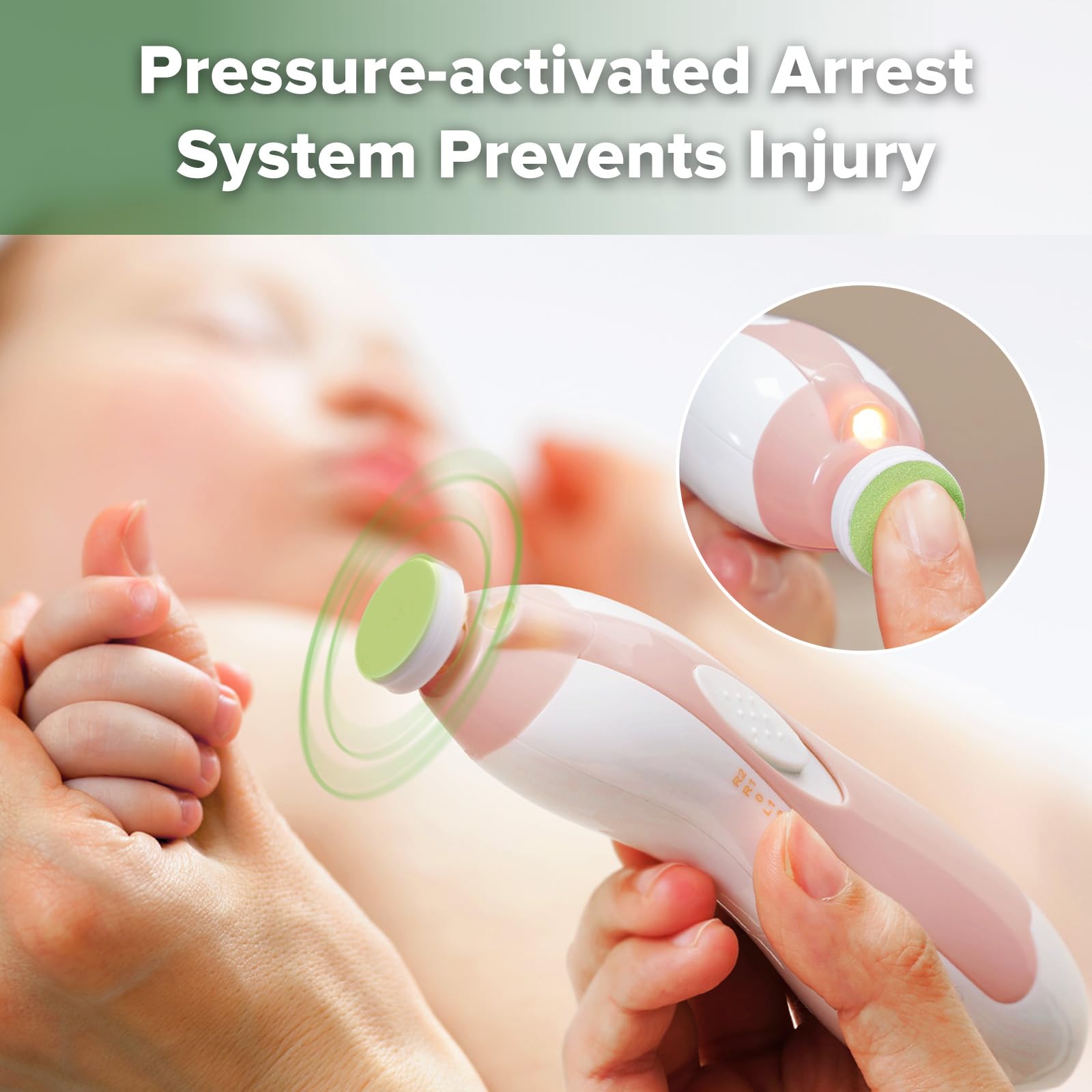
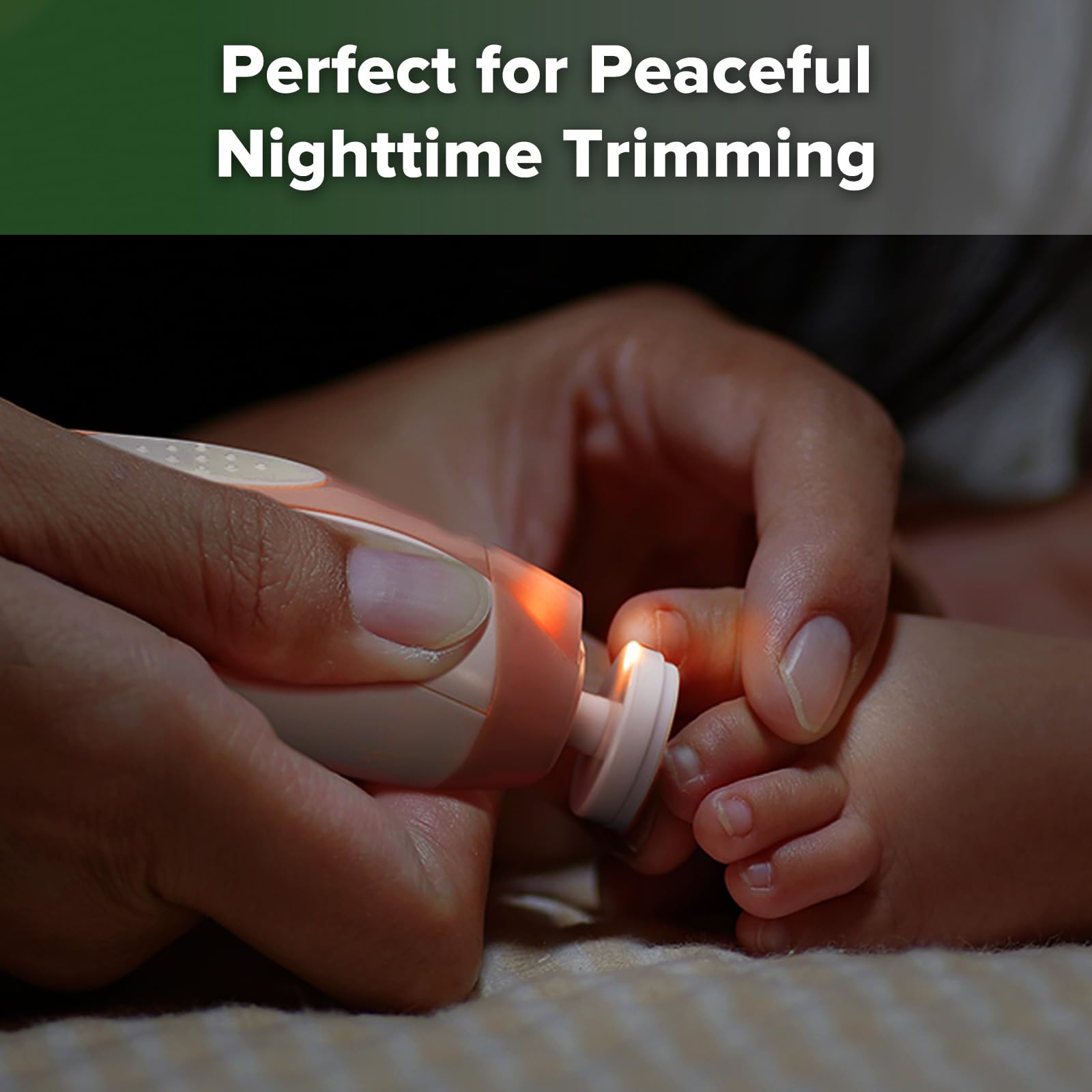
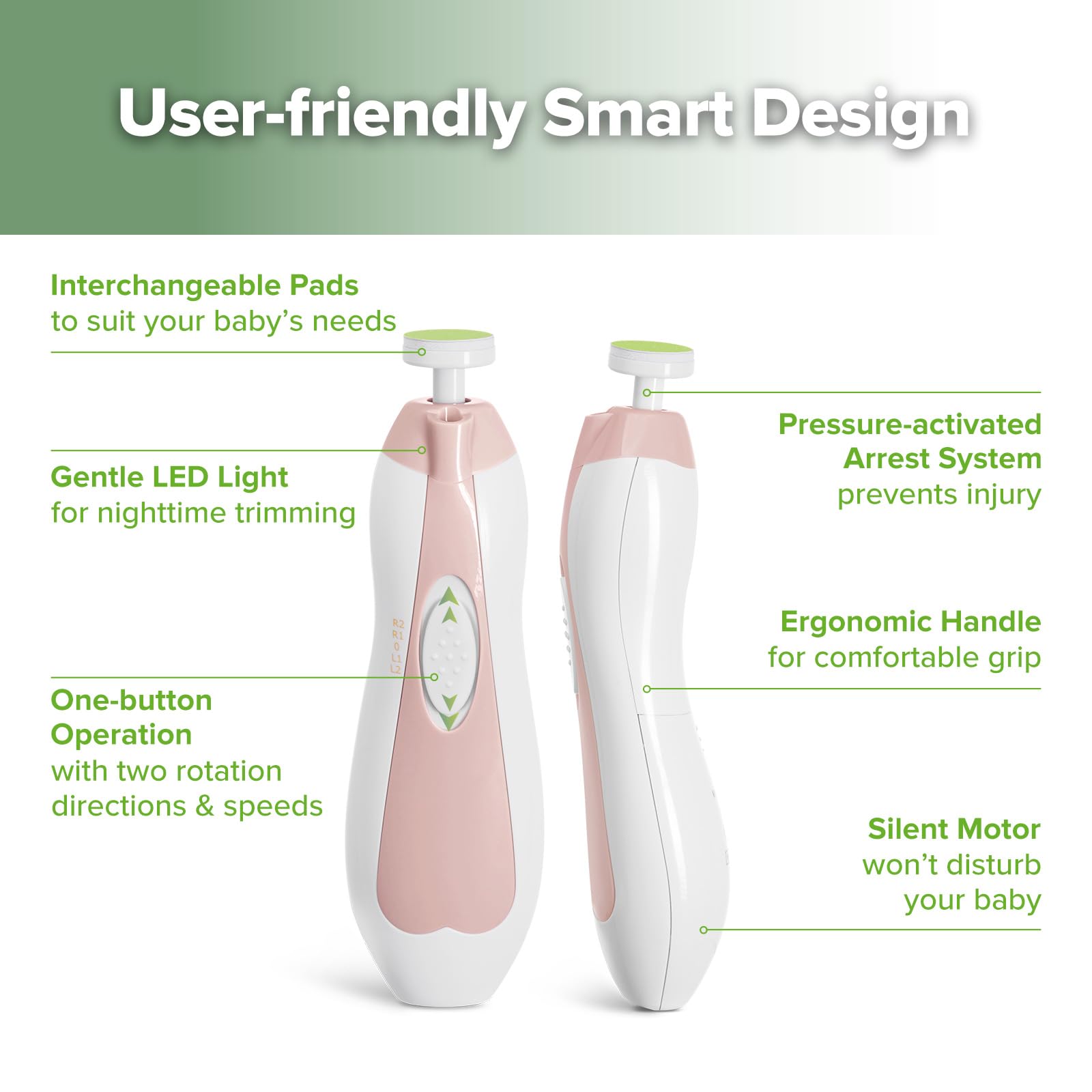
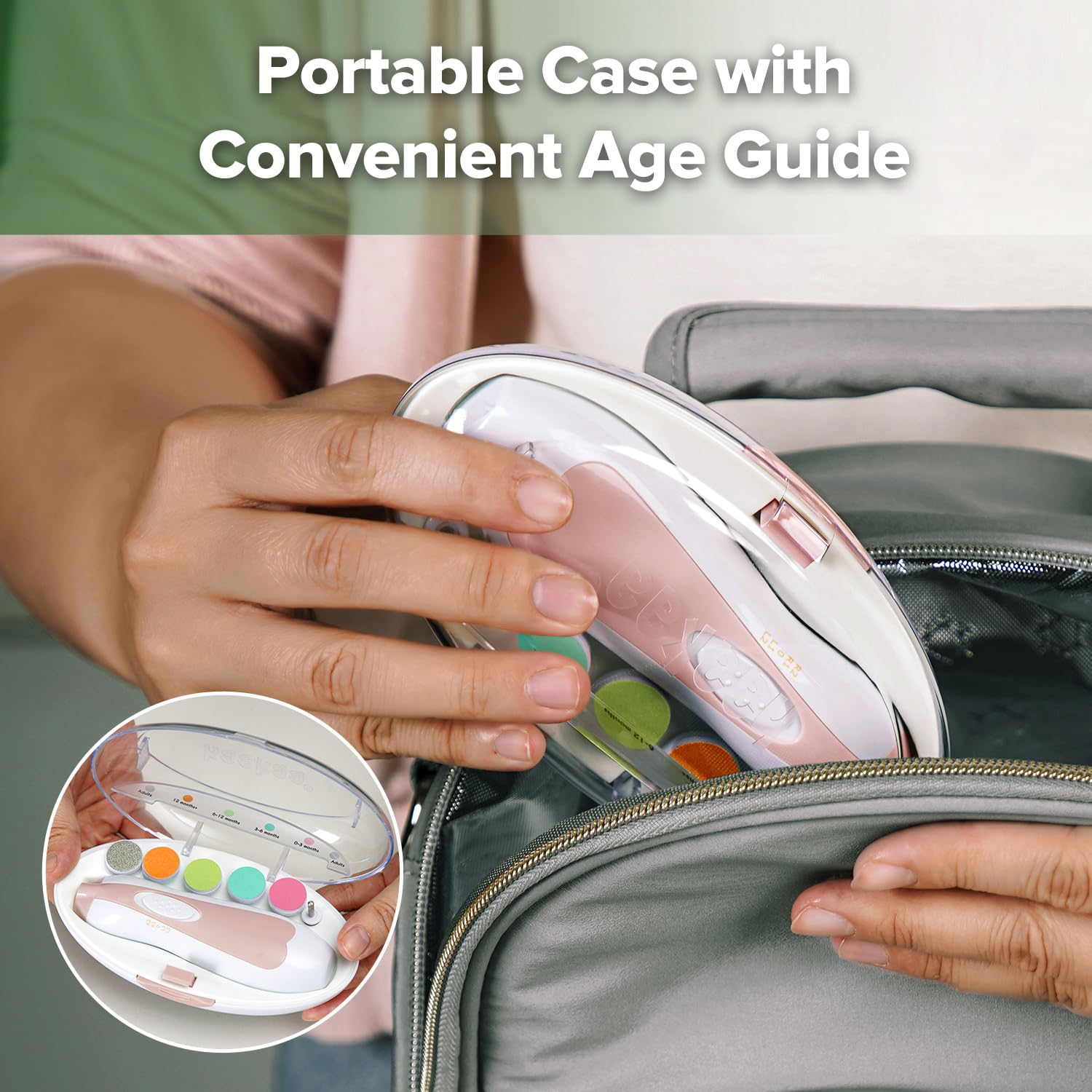
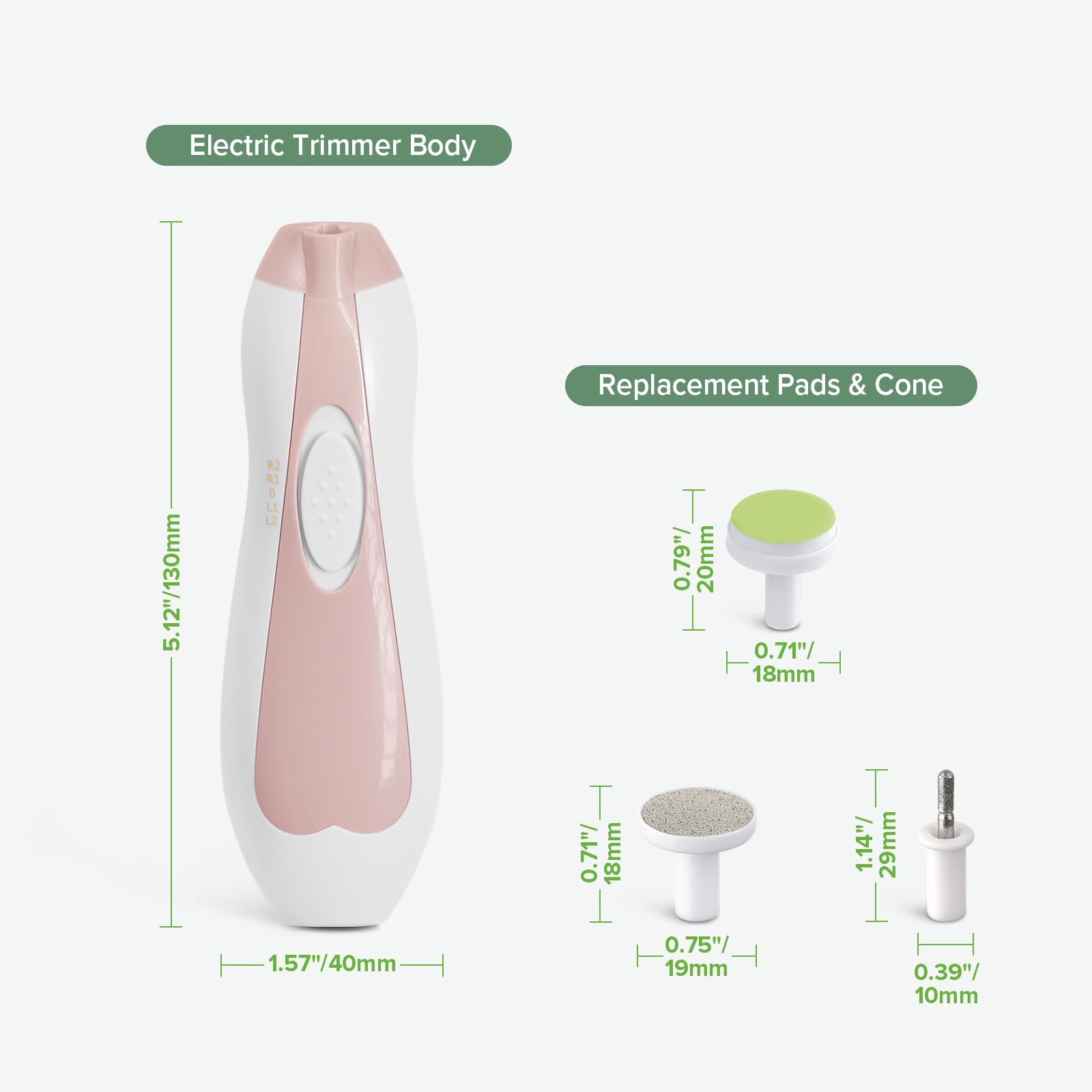
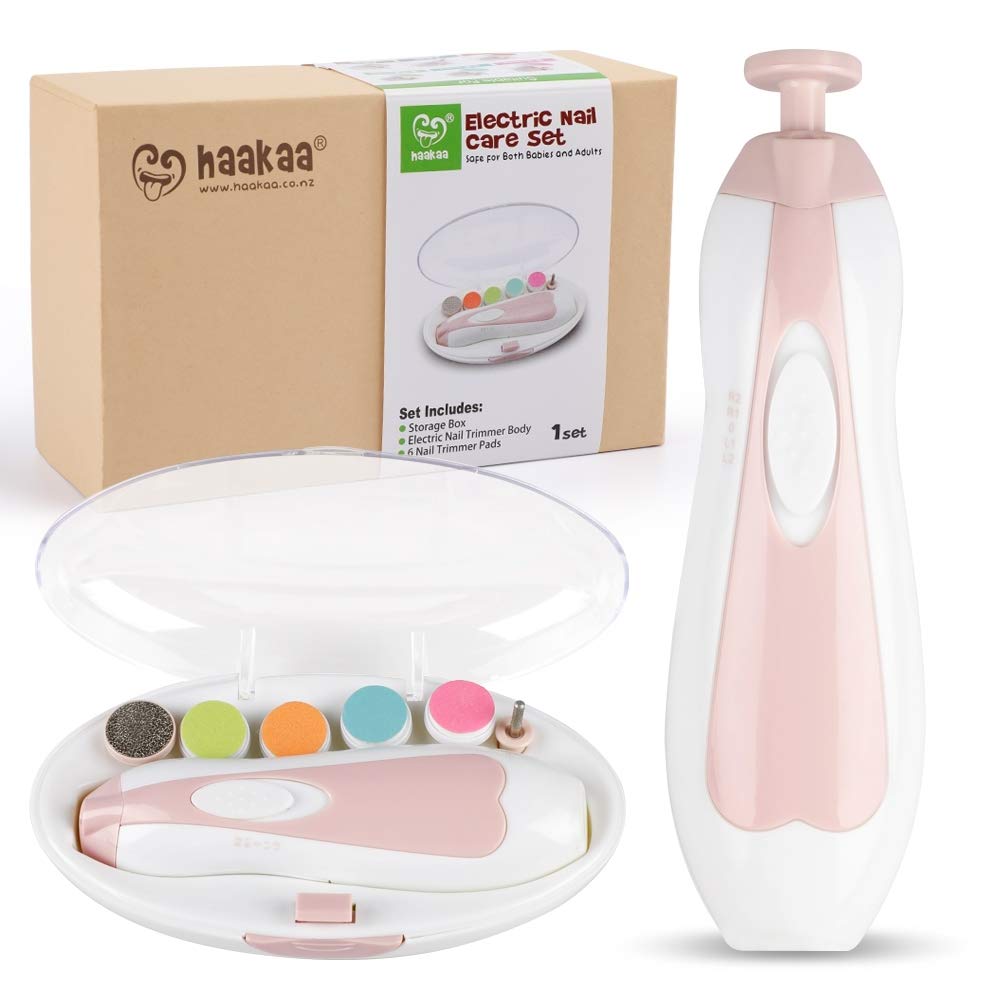
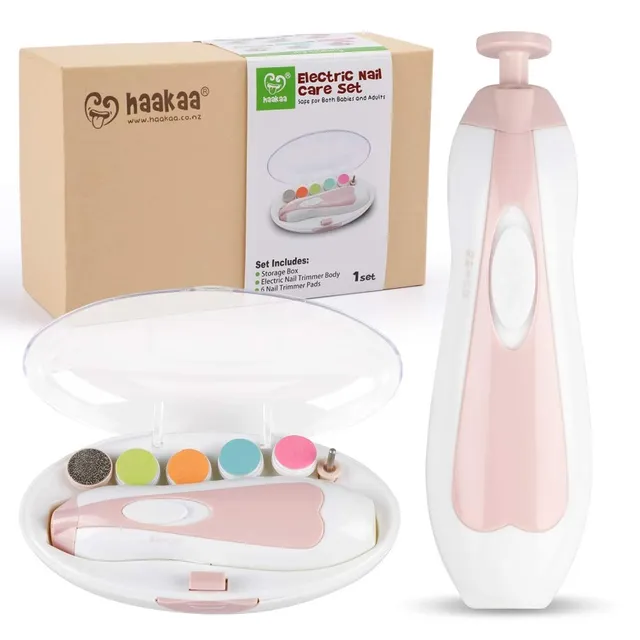
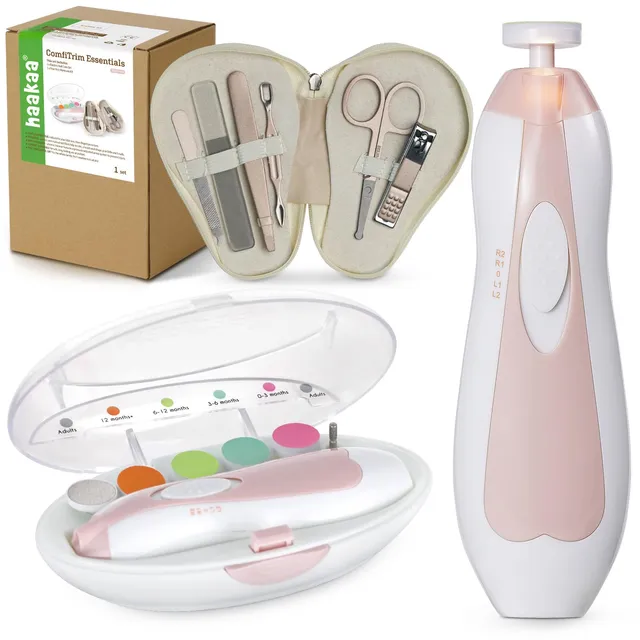
The Haakaa Electric Baby Nail Trimmer is the perfect all-in-one nail care solution for your little one. With a pressure-activated safety system, this trimmer gently files nails without cutting the skin, giving parents peace of mind. The one-button control adjusts speed and rotation direction, while the ultra-quiet motor and built-in LED light allow for nail care even during sleep. The kit includes 4 gentle baby pads and 2 adult-grade pads, so it's suitable for the entire family.
Haakaa Baby Nail Trimmer: How to Use on Newborn
Start with the gentlest pad (designated for newborns) and gently place the trimmer on the edge of your baby's nail. Move in the direction of nail growth, applying light pressure. Keep sessions short and frequent to avoid over-trimming. The LED light helps you see clearly, making it safe to use while your baby sleeps.
Haakaa Nail Trimmer Pads: Which Pad Do I Use?
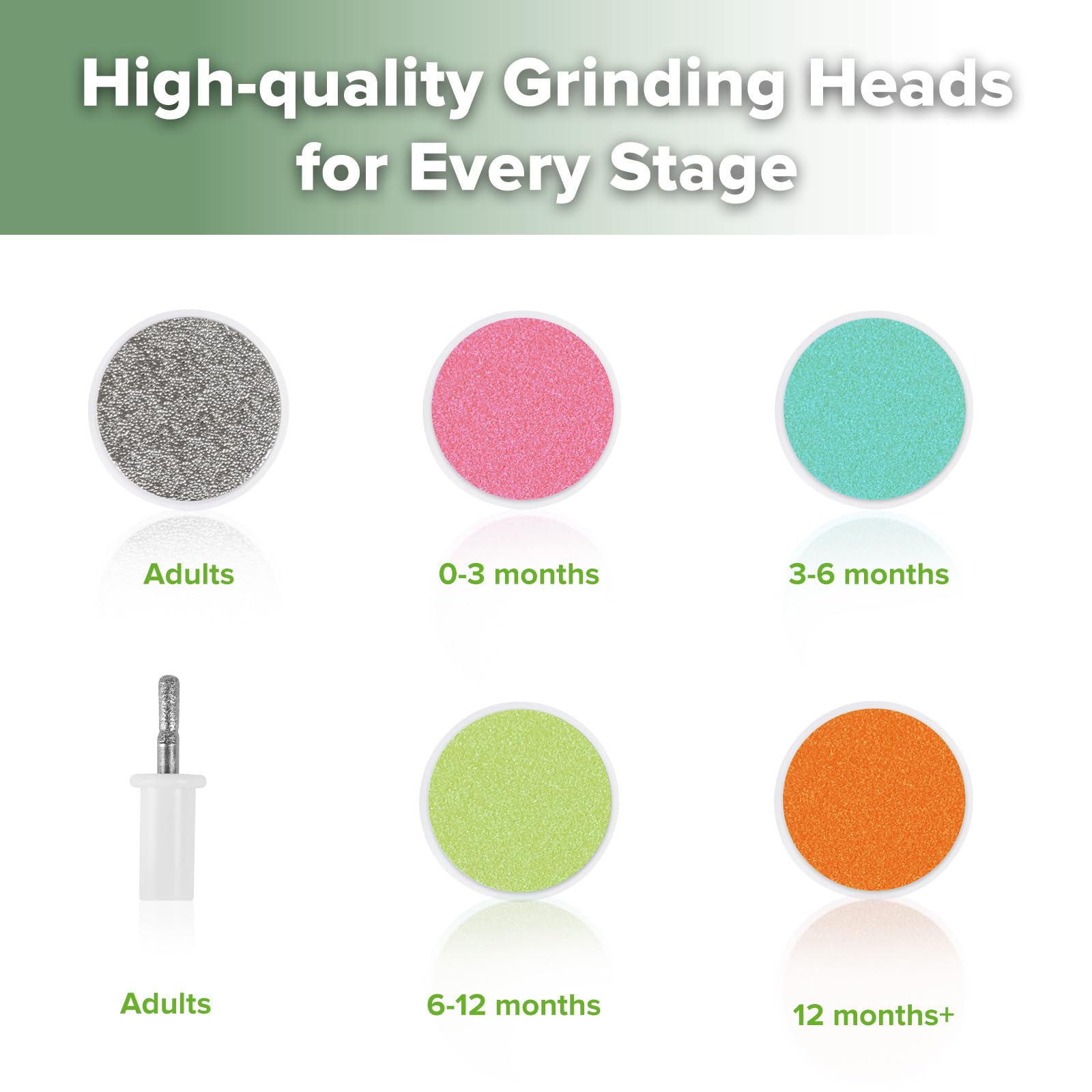
The trimmer comes with color-coded pads: usually a blue or white pad for newborns, a grey or green for toddlers, and an adult pad for older kids and grown-ups. Refer to the included age guide chart to select the right pad. Changing the pad is simple—just pull off the old one and press on the new one.
Troubleshooting: Why Does My Haakaa Nail Trimmer Stop Working or Not Spin?
If the trimmer stops spinning, first check that the battery is charged (if rechargeable) or that fresh batteries are installed. Ensure the pad is not clogged with nail dust—clean it with a soft brush. If the issue persists, contact customer support. Improper use, such as pressing too hard, can also stop the motor temporarily; the safety system is designed to halt to prevent injury.
How to Replace Haakaa Nail Trimmer Pads
Simply pull the existing pad off the hub with a gentle twist, then push a new pad onto the hub until it clicks into place. Ensure the pad is secure before use.